Moonlit Lab AI Book a free reviewFree review

Bespoke

Software and AI, made to measure for your company.

We build apps around the way your company already works and run AI assistants on machines in your office. Your bids, drawings and customer files are never sent to an AI company.

Every project starts with a free review: a 20-minute call or visit, then a one-page map two days later. No charge, nothing to sign.

Tailor this page to

Three ways in · Remote or in person

One free review, three ways in

The free review is a 20-minute call or visit. Two days later you get a one-page map: the jobs worth building software for or automating, the hours each takes now, and what each would take to fix.

For construction, fabrication and the trades

Apps and AI built for the job

Bespoke apps for estimating, the shop floor and the field, and assistants on your own machines for bids, quotes and paperwork.

Where we usually start

A quoting tool · a daily report app

What we build

For professional firms

Private AI, made to measure

An assistant on your own machines, connected to your practice software, for law firms, clinics, accountants and advisers whose rules make cloud AI awkward.

Where we usually start

Intake summaries · first drafts · search across past work

What a private assistant does

For local businesses

Websites and automations

A website of up to five pages on your own domain, built for phones, with one AI feature. We also build assistants that take repeat paperwork off your staff: quote replies, order confirmations, estimate follow-ups.

Where we usually start

A website rebuild · replies to quote requests

How a website rebuild works

Moonlit Lab AI is a studio in the Northeast USA. We work with businesses anywhere, by video call and remote access you approve, or in person. Your website is hosted online, like any website; anything that reads customer files runs on your own machines.

Bespoke software

Apps cut to fit the way your company already works

Off-the-shelf software makes you work its way. We build small, exact tools around the way your people already do the job, for a Mac in the office, an iPad on the shop floor or an iPhone on site. Each one starts from a job we can time.

Estimating and quoting

Your own price book, labor rates and markups in one tool, so a takeoff or a customer's RFQ becomes a quote the same way every time.

For estimators and the office.

Shop-floor and field apps

Job travelers, daily reports, punch lists and time entry on the iPad or iPhone your crew already carries.

For the floor and the site.

One screen over your software

Jobs, hours and margins on one screen, pulled from the accounting, scheduling and estimating software you already pay for.

For whoever runs the jobs.

The spreadsheet everyone fears

The workbook or old database the business runs on, rebuilt as an app that checks what goes in and keeps a history of every change.

For the person who keeps it alive today.

We build our own software. Moonlet, our on-device AI app for iPhone and Mac, and the engine that runs it are written by us. Moonlet is in development.

Apps we build

Your own app, for your crew or your customers

Built for iPhone, iPad and Mac around your jobs, your names and your brand. Apps for your team go straight onto your company's devices. Apps for your customers go on the App Store under your company's name, published from your own Apple developer account, so the listing and the customers are yours.

Timekeeping

Crews clock in and out against a job and a task code, breaks included, and the office gets timesheets ready for payroll. It keeps working without signal on site and catches up when it reconnects.

For crews, shops and field teams

Inventory

Scan a barcode to receive, move or use stock, see what is running low before a job needs it, and count a shelf in minutes instead of an afternoon.

For the warehouse, the shop and the van

Marketing

Send a seasonal offer or a review request after each job to the customers who said yes to hearing from you, and see which ones came back.

For the owner and the office

An app for your customers

Your customers book a visit, follow the job, approve a quote, pay an invoice and message your office, in an app with your name on it in the App Store.

For the customers you send to it

AlsoSafety checklists and inspections · equipment and maintenance logs · delivery and dispatch · quote builders · customer portals

Sample screens with made-up data. Apple reviews every App Store app; a real app with its own features passes, a website in a wrapper usually does not, and we build the first kind.

Your client files stay in the office. The AI comes to them.

Where the assistants run
On machines you own, in your office.
What they connect to
The software your firm already uses.
How we start
A free review, then a written quote before any work begins.

Why it stays in the office

What your firm is trusted with

Every field here answers to someone for its files: defense shops answer to DFARS and CMMC, contractors to their clients' contracts and NDAs, and law firms, clinics, accountants and advisers to strict confidentiality rules. An assistant on your own machines takes the AI company out of that question.

General contractors, builders and remodelers

Your bids and your clients' plans

Contracts and NDAs, not one statute

Most construction work answers to contracts rather than a privacy law: owners' drawings under confidentiality clauses, subcontractor prices given in confidence, and your own estimates, which are what win you work. Defense and federal projects can add rules for drawings marked CUI. Every assistant we build runs on your own machines, so none of it goes to an AI company.

Source: DFARS 252.204-7012, for drawings marked CUI on defense work

Where we usually start

  • Bid-package summaries
  • Daily reports and RFIs from field notes
  • Search across past bids and specs

We make compliance simpler. We never call a setup compliant, because your own counsel or adviser has the final word. These summaries come from the rules' own text or professional commentary and are not legal advice.

Private AI

One assistant, cut around a job your team repeats every week

Every build starts from a task your people already do by hand and can time. We connect the assistant to the software where that task lives, and a person checks everything it writes.

Summaries

For your construction company

A bid package or spec book, summarized on one page: scope, dates, insurance and the clauses to price.

Documents in, one clear page out, in your format.

First drafts

For your construction company

RFIs, change-order letters and daily reports, drafted from field notes for a project manager to check.

Letters and replies drafted for a person to check and send.

Search across your own work

For your construction company

Plain-English questions across past bids, specs and submittals kept on your own machines.

Questions in plain English across what your firm has already written.

Connectors to your software

For your construction company

A connector to the estimating, scheduling and accounting software you already use.

The assistant works inside the software your team already uses.

The assistant drafts and your team decides. Every build is set up so a person reviews each output before it goes out.

Websites

A website rebuilt to fit the business you run now

Outdated, insecure or broken website? We rebuild it into a fast, modern site that looks sharp on a phone and is secure from day one.

Time
2–3 weeks once we agree on the scope.
Hardware
If there is no machine in your office for the AI feature, you buy one directly from its maker, and we tell you which one.
AI feature
One per site, for example a quote or booking form. When a request comes in, an assistant drafts a reply, and your team checks it and sends it. Like every assistant we build, it runs on a machine in your office.
Hosting
Your website is hosted online, like any website. Your written quote names the host and what hosting and your domain cost each year. The privacy promise on this page covers the assistants: anything that reads customer files runs on your own machines.
Web person
Happy with yours? Keep them. The assistants work with whatever site you have.

For a practice under HIPAA, a website form that collects patient details is itself an online service. Your adviser decides what the form may ask and which form service it uses, such as one that will sign a business associate agreement.

Made-up exampleA plumbing business's site, rebuilt: home, services, a quote form whose replies an assistant drafts, and the phone view.

The AI stack

Large open models on ordinary hardware

We wrote our own engine, the software that runs the AI, and it powers Moonlet, the on-device learning app we are building. It is one tool among several. We also install and tune the open engines and agent tools teams already use, such as llama.cpp, vLLM, Ollama, MLX, OpenCode and Hermes Agent, and choose whichever runs your model best on your machine. The model, the software, the hardware and the build all come from one studio.

Ornith 35B, on disk19 GB
MacBook Air memory16 GB
On a MacBook Air the model is larger than the memory. Our engine still writes at about 13 tokens a second (a token is about three-quarters of a word), because it reads the rest from the drive as it goes and keeps only the parts it uses most in memory.

Agent tools we connect to your model

  • OpenCodeA coding agent that works in the terminal. It can use a model served by llama.cpp, Ollama or LM Studio on your own machine.
  • Hermes AgentNous Research's self-improving personal agent, MIT-licensed. It works with any compatible model server, including one in your office.
  • OpenHarnessAn MIT-licensed agent framework from the University of Hong Kong's Data Intelligence Lab, for tools, skills, memory and several agents working together.

An agent tool has no speed of its own. It runs as fast as the engine and the model behind it.

Our engine on a MacBook Air, M5, 16 GBResult
Ornith 35B writing a reply13 tokens/sMeasured, Oct 2026
First words of a reply to a short request2.3 sMeasured, Oct 2026
While another app holds 5 GB of memoryabout 1% slower12.6 → 12.5 tokens/s, Jul 2026
Each extra open conversation, 65,000 tokens (about 100 pages) long0.3 GBplus 90 MB of model state; calculated from the cache format, not measured
Open engines, measured by othersOne person asking
llama.cpp on an NVIDIA DGX Spark, gpt-oss-120b55 tokens/sNVIDIA, Oct 2025
vLLM on a DGX Spark, gpt-oss-120b61 tokens/s116 to 153 tokens/s in total with eight people asking at once. A DGX Spark owner on NVIDIA's developer forum, Aug 2026
Ollama in the same test42 tokens/sno faster in total with eight people asking at once; same post
MLX on a Mac Studio, M3 Ultra, 512 GB, Qwen3 235B24 tokens/s16 tokens/s on the same Mac in the GGUF format. MacStories, 2025

Each figure comes from its publisher's own test, so compare rows from the same source. The engine, the format and the number of people sharing a machine change the result as much as the hardware does, which is why we measure on your machine before the build starts.

Tokens
A token is about three-quarters of a word. Speed depends on the Mac and the model, so we measure it on your own Mac before the build starts.
Limits
One Mac running a large model from its drive serves one or two people asking the assistant to write at the same moment. Larger teams get a bigger machine, such as a Mac Studio, a DGX Spark or a GPU server, sized before the build.
Other hardware
Our own engine runs on Macs today, and support for Googlebook and Chromebook laptops and for NVIDIA GPUs through CUDA is in development. On other machines we install the open engine that suits the model and the number of people, such as vLLM for a team sharing one NVIDIA machine (see the hardware).
Licenses
Ornith is MIT-licensed and Qwen models are Apache 2.0, so the assistants we build carry no per-seat AI fees.

The hardware

The machine it runs on, installed in your office

We size the machine from the model and how many people will use it, then install it, set it up and look after it. On Macs, the assistant runs on our own engine. On NVIDIA hardware we install proven open-source inference software, such as vLLM or llama.cpp; support for our own engine there is in development.

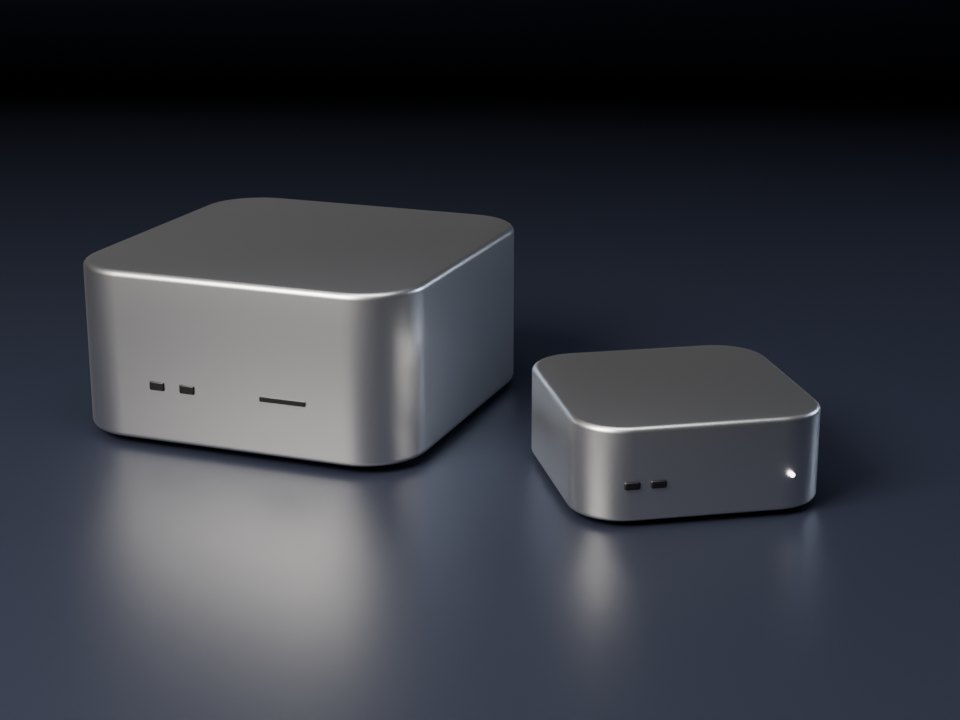
Illustration of a Mac Studio and a Mac mini

One desk, or a small office

Mac mini and Mac Studio

Small, quiet and low on power. A Mac mini, with up to 64 GB of memory, suits one or two people; a Mac Studio, with up to 512 GB, runs the largest open models for a team.

Runs our own engine

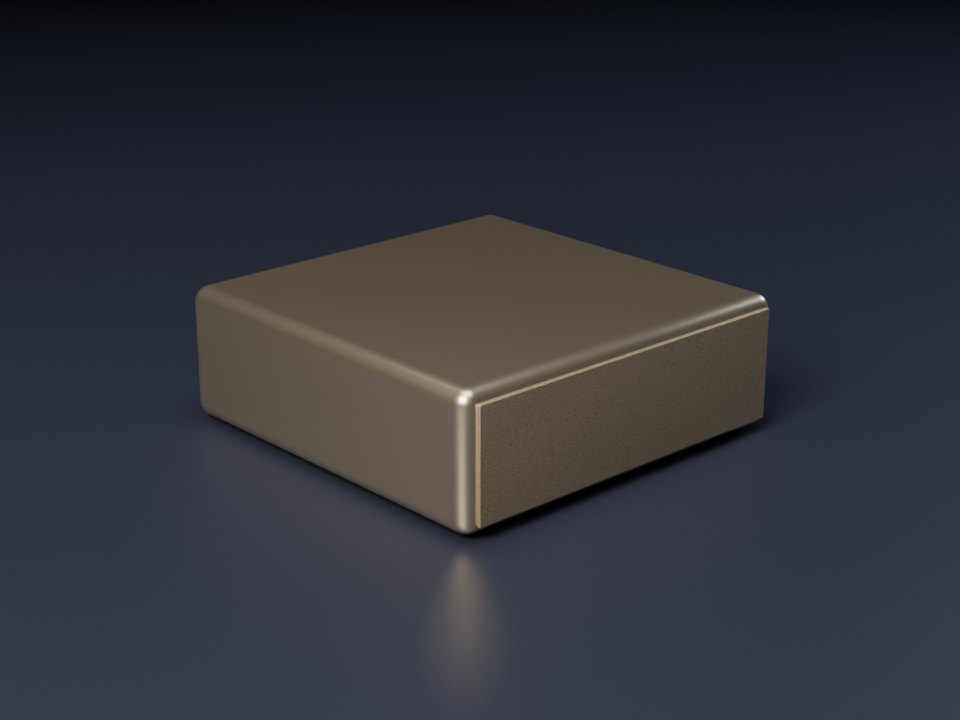
Illustration of a compact gold AI computer

NVIDIA on the desk

NVIDIA DGX Spark

A desktop AI computer with 128 GB of memory. NVIDIA rates one for models of up to 200 billion parameters, and two linked together for up to 405 billion.

Runs open-source inference software

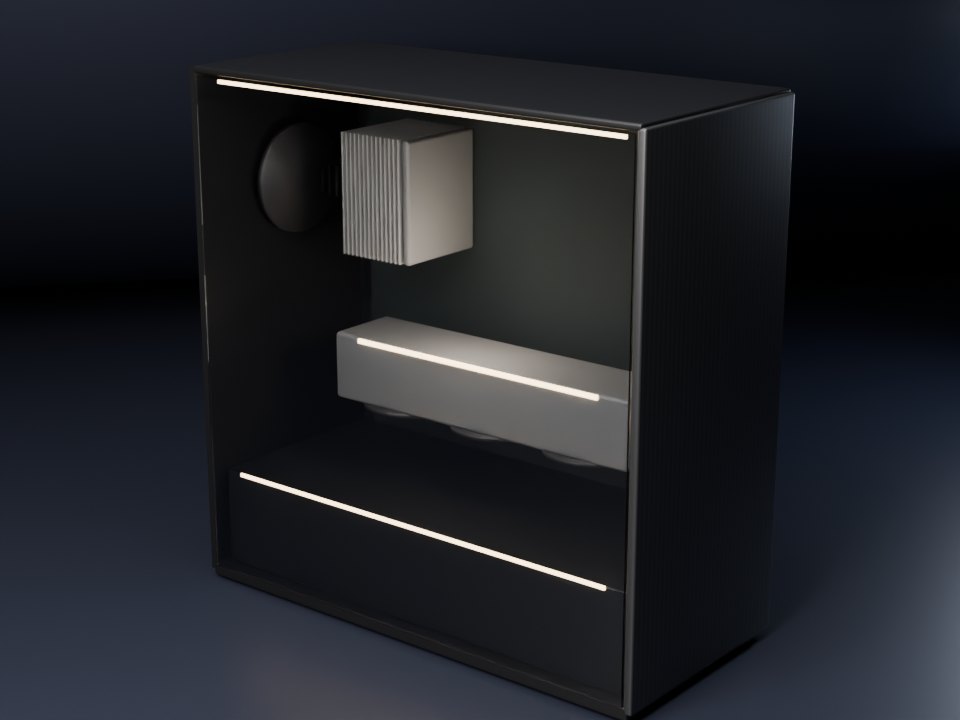
Illustration of a tower workstation with a glass side and a large graphics card

Fast answers for a small team

Custom AI workstations

A tower built to the model and the budget, around NVIDIA GPUs such as the GeForce RTX 5090, with 32 GB, or the RTX PRO 6000 Blackwell, with 96 GB.

Runs open-source inference software

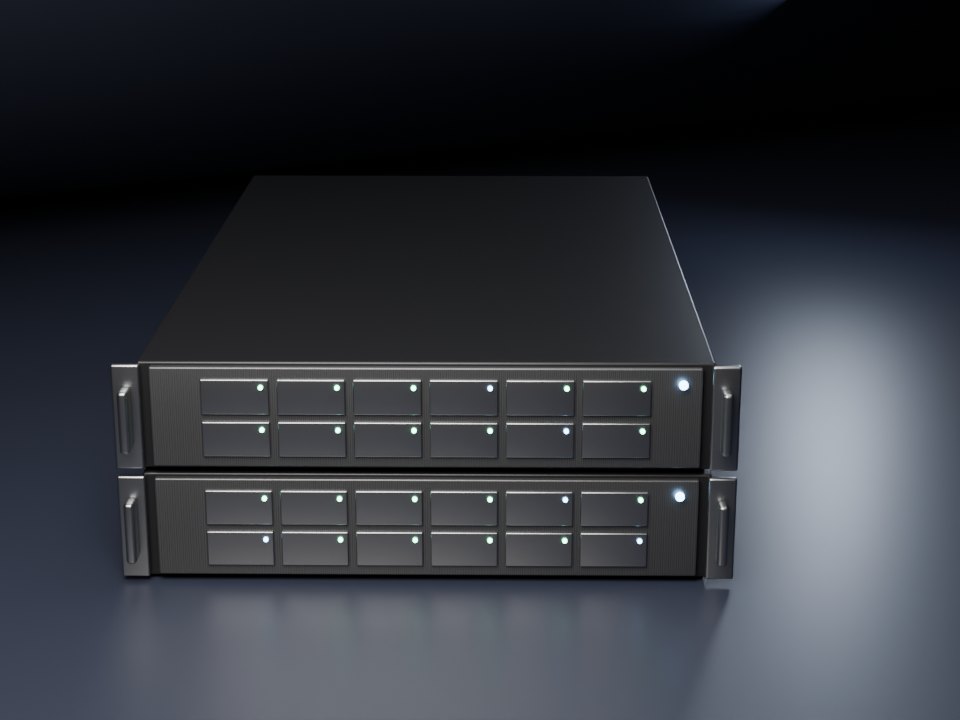
Illustration of two rack servers with drive bays

Many people at once

NVIDIA GPU servers

Rack servers with several NVIDIA GPUs, for a server room or a closet with the power and cooling for them. We size and quote them after the audit.

Runs open-source inference software

The pictures are our own illustrations, not product photographs. Memory and model-size figures are the makers' own; prices change, so every machine is quoted in writing when we size it.

The fitting

Five steps, each ending with a number you can check

These are the five steps of a full build of a bespoke app or a private assistant, including the audit. A website rebuild or a starter automation skips the audit: the free review's map leads straight to a written quote and timeline. A website takes 2–3 weeks.

  1. Free · 20 minutes

    Free review the consultation

    A 20-minute call or visit. Two days later you get a one-page map: the jobs worth building software for or automating, what to fix on your website, and the hours each takes now. No charge, nothing to sign, and the map is yours to keep.

  2. Weeks 1–2

    Audit the measure

    We time the job as it is done today, choose one or two builds with a measurable target, size the hardware and write your data-handling note.

  3. Weeks 3–4

    Pilot the first fitting

    One app or automation for two or three staff, measured against the baseline, with a check-in each week.

  4. Weeks 5–6

    Rollout the final fitting

    We connect it to your software, train your staff for an hour and hand over a written guide.

  5. Every month

    Care the aftercare

    Model and app updates, monitoring, one new workflow each quarter and a monthly report of the hours saved.

Team training

Teach your team to build their own small tools

Claude Code is Anthropic's AI coding tool: you describe what you want in plain English, and it reads files and writes and runs code on your computer. We teach your staff to use it on their own work, each on one small tool for their job, such as turning a spreadsheet into a weekly report.

On your machines

The assistants we build

Anything that reads customer files runs here, in your office, and is never sent to an AI company.

Anthropic's cloud, your own account

Claude Code training

What your team types into Claude Code, and the files it reads, are sent to Anthropic's servers.

The assistants we build run on your own machines; Claude Code training uses Anthropic's cloud under your own account. The first rule of the first session: files with your customers' personal information never go into Claude Code. Those stay on your own machines, with the assistants we build.
  1. Half-day workshop

    On site, for up to 8 people. Each person works on one small tool for their own job.

    Half a day

  2. Four-week course

    One two-hour session a week, plus office hours, working toward a tool each person's team can use.

    Four weeks

  3. Builder office hours

    A monthly session for staff who keep building, added to a care retainer.

    Every month

  • Each trainee uses a seat on your business's Claude Team plan (Enterprise for larger firms), bought directly from Anthropic at Anthropic's prices and not included in our fee. We help you choose seats before the first session. We never use personal Pro or Max accounts for your work: business plans come under Anthropic's Commercial Terms, and personal plans do not.
  • Claude Code is Anthropic's product. We teach it independently: we are not an Anthropic partner, and Anthropic does not certify or endorse this training.
  • How Anthropic handles Claude Code data

Your data

A note you can show anyone

Every private AI audit ends with a short written record for clients, partners or a regulator. It is prepared for your firm and reviewed with you, and it sets down four things about your assistant.

Data-handling note

Prepared for your construction company

Where files live
On your own machines, in folders you choose.
What it can read
Only the folders and software we connect for its job.
What is logged
Which records the assistant keeps, where they are, and who can see them.
What leaves
No file goes to an AI company. Anything a connector sends to software you already use online is named here.

Set up with FileVault disk encryption and separate user accounts, with client folders kept out of cloud sync.

Example layoutReviewed with you at the end of the audit

Starting out

Is the free review really free?

Yes. It is a 20-minute call or visit about one job your people repeat every week, or your website. Two days later you get a one-page map: what is worth building or automating, the hours each takes now, and what each would take to fix. No purchase is needed and there is nothing to sign. If the numbers don't justify a project, you keep the map.

Can we start small?

Yes. Everyone starts with the free review, and most first projects are one small tool, one automation or one website rebuild. A full private build starts with the audit. Every job is quoted in writing before any work begins.

Do we need new hardware?

Not for the free review. The website's AI feature and every assistant we build run on a machine in your office: a Mac, an NVIDIA DGX Spark, a custom workstation or a GPU server, sized from the model and how many people will use it. A Mac you already own may be enough. If you need a new machine, you buy it directly from its maker, and we tell you which one before work begins.

Software

Can you build an app just for us?

Yes. That is most of the work: a tool for one job, built around the way your people already do it, for the Mac, iPad or iPhone. It starts from a job we can time, so you can see what it changed.

Can you put an app on the App Store for our customers?

Yes. It is published from your own Apple developer account, which Apple charges for yearly and checks your company for first, so the listing is in your name and the customers are yours. Apple reviews every app before it goes live: a real app with its own features passes, a website in a wrapper usually does not.

Websites

What do you look at on our website?

Five things: whether the address bar shows the padlock, whether the site works on a phone, whether it looks up to date, how fast it loads on a phone, measured with Google's PageSpeed Insights, and whether customers can book or ask for a quote online. We look the way any visitor would. We never submit your forms or run scanners on your site.

Is our new website private, like the assistants?

No. It is hosted online on your own domain, like any website, so your customers can reach it, and a message sent through its form travels over the internet like any web form. The privacy promise on this page covers the assistants: anything that reads customer files runs on your own machines.

We already have someone for our website.

Keep them. The assistant that takes repeat paperwork off your staff works with whatever site you have.

Privacy and your files

Does this make us compliant?

No setup makes a firm or business compliant on its own. Keeping client and customer files on your own machines makes the question simpler, and the data-handling note records how it works. Your counsel or adviser makes the call.

Does it need the internet?

Not for the AI. The model runs on your own machine and reads files there. A connector may reach software you already use online, such as a cloud practice-management system, but the assistant never sends your files to an AI company. Your website, if we build one, is online like any website.

Do you see our files?

Only when we work on your machines. The assistant never sends files to us. Setting it up and looking after it can mean working on your machines, in person or through remote access you approve, and that access is written into the contract. Your counsel or adviser decides what agreement it needs, such as a business associate agreement under HIPAA.

Is Claude Code training private, like the assistants?

No. The assistants we build run on your own machines; Claude Code training uses Anthropic's cloud under your own account. Your team uses seats on your business's Claude Team plan (Enterprise for larger firms), bought from Anthropic, not personal Pro or Max accounts, and files with customers' personal information never go into Claude Code.

The assistant

What if the assistant gets something wrong?

It drafts and your team decides. Each build is set up so a person reviews every output before it goes out.

How many people can use it at once?

One Mac running a large model from its drive serves one or two people asking the assistant to write at the same moment. Larger teams get a bigger machine: a Mac Studio, a DGX Spark, a workstation or a GPU server, sized before the build.

Which AI models do you use?

Open models with open licenses, such as Ornith (MIT) and Qwen (Apache 2.0). You pay no per-seat AI fees for the assistants we build, and the model on your machine keeps working whatever an AI company does with its prices. Claude Code training is the exception: each trainee needs a seat on your business's Claude Team or Enterprise plan, bought from Anthropic.
Free review · 20 minutes

Start with a free review. The map is yours to keep.

Tell us about one job your people repeat every week, or your website. Two days later you get a one-page map of what to build, what to automate, the hours each takes now and what each would take. No charge, nothing to sign.

Fill in the card, or email us at hello@moonlitlabai.com. Say what your business does and name a day and time that suits you, and we answer within one business day.

Save contact

Request a free review

Opens your email app, filled in

What should we look at?
Call or visit?

Nothing is sent until you press Send in your email app. What we do with it.

Worth a free review if you have

  • A job your people do every week that no off-the-shelf software does your way
  • A job someone does every week that is mostly typing, copying or answering the same questions
  • A website that shows “Not secure”, is hard to use on a phone, or gives customers no way to book or ask for a quote
  • Customer, client or project files you would rather not send to an AI company
  • For an assistant: at least two staff, and a machine in your office or one you will buy